Choosing an Office Multifunction Printer
In the modern office landscape, the choice of equipment can significantly impact productivity and efficiency. Multifunction printers (MFPs) are increasingly becoming a staple in workplaces, combining several key functions into a single device. Understanding their benefits and features can empower you to make informed decisions that enhance your team’s workflow.
What You Will Learn
- MFPs save space and reduce clutter by combining multiple functionalities into one unit.
- Investing in a multifunction printer can lower operational costs by reducing the need for multiple devices.
- Enhanced efficiency allows employees to focus more on their tasks rather than equipment management.
- Common features of MFPs, such as duplex printing and wireless connectivity, contribute to significant cost and time savings.
- Critical factors for choosing an MFP include print speed, volume capability, security features, and user interface.
- Conducting an assessment of current printing habits can help determine the best features needed for your office.
Understanding the Role of Multifunction Printers in Office Environments
In today’s fast-paced office environments, efficiency is key. That’s where multifunction printers (MFPs) come into play. These devices combine printing, scanning, copying, and sometimes faxing into one compact unit, making them a fantastic choice for businesses that want to save space and streamline operations. For a comprehensive overview of printer types and what to consider, you can consult a printer buying guide from Consumer Reports.
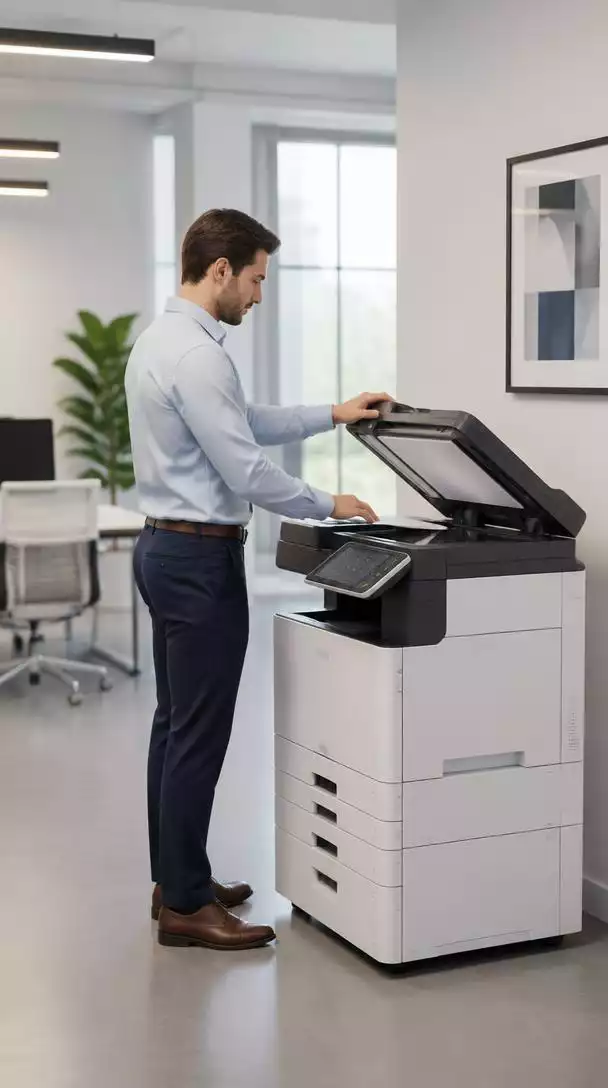
But what exactly is a multifunction printer, and why should you consider one for your office? Simply put, an MFP is a versatile communication tool that combines multiple functionalities into a single machine. This not only enhances productivity but also reduces the need for separate devices cluttering your workspace.
What is a Multifunction Printer and Why Choose One for Office Use?
A multifunction printer is designed to handle various tasks, which is beneficial for offices of all sizes. By consolidating essential functions, you can enjoy several advantages:
- Space-saving design — frees up valuable office real estate.
- Cost-effective — reduces the need for multiple machines, cutting down on maintenance and operational costs.
- Enhanced productivity — allows employees to switch between tasks seamlessly.
Choosing an MFP can lead to smoother office operations. For example, if your team regularly prints, scans, and copies documents, having a single device for all these tasks minimizes downtime and increases workflow efficiency. It’s a game-changer! To further explore the benefits, consider insights from a printer buying guide from HP, which elaborates on how these devices can transform your workplace.
The Benefits of Consolidating Printing, Scanning, and More
By opting for a multifunction printer, you can experience distinct benefits that go beyond mere convenience:
- Increased Efficiency: Employees spend less time managing equipment and more time focusing on important tasks.
- Reduced Maintenance: Fewer machines mean less upkeep, leading to lower overall costs.
- Streamlined Workflows: Quick access to multiple features in one system enhances collaboration among team members.
Embracing an MFP in your office can transform the way your team operates. The ability to share the printer for various tasks fosters a collaborative environment where information flows smoothly. Plus, think of all the cables and devices you can eliminate!
Exploring Common Features of All-in-One Printers
When exploring multifunction printers, it’s crucial to consider the common features that make these devices so appealing:
- Print, Scan, Copy, and Fax: Most MFPs come with all four functions, catering to diverse office needs.
- Automatic Document Feeder (ADF): This feature allows for quick scanning and copying of multiple pages.
- Duplex Printing: Enables double-sided printing, which saves paper and costs.
- Wireless Connectivity: Allows printing from smartphones or tablets without needing physical connections.
These features not only enhance functionality but also contribute to significant cost savings and environmental benefits. By understanding what each feature brings to the table, you can make a more informed choice about which multifunction printer will best suit your office’s needs. For more details on what to look for, a guide from Xerox on buying a multifunction printer provides valuable insights.
We Want to Hear From You!
Beyond the core functions, what advanced feature (like specific security protocols, eco-friendly modes, or specialized scanning options) do you find most critical for your office’s daily operations?
Frequently Asked Questions About Multifunction Printers
What is a multifunction printer (MFP)?
What are the main benefits of using an MFP in an office?
What common features should I look for in an MFP?
How do I choose the right MFP for my office?
Can MFPs help reduce office costs?
Conclusion: Making an Informed Choice for Your Office
Choosing the right multifunction printer for your office is crucial for enhancing productivity and efficiency. It’s important to weigh various factors before making your decision. Let’s recap some key points to consider when selecting a printer that best fits your needs!
First and foremost, think about your office size and the specific workload. This will help you determine the best features and specifications. Other aspects to consider include print speed, security features, and connectivity options. Each of these elements plays a significant role in your overall satisfaction with the printer.
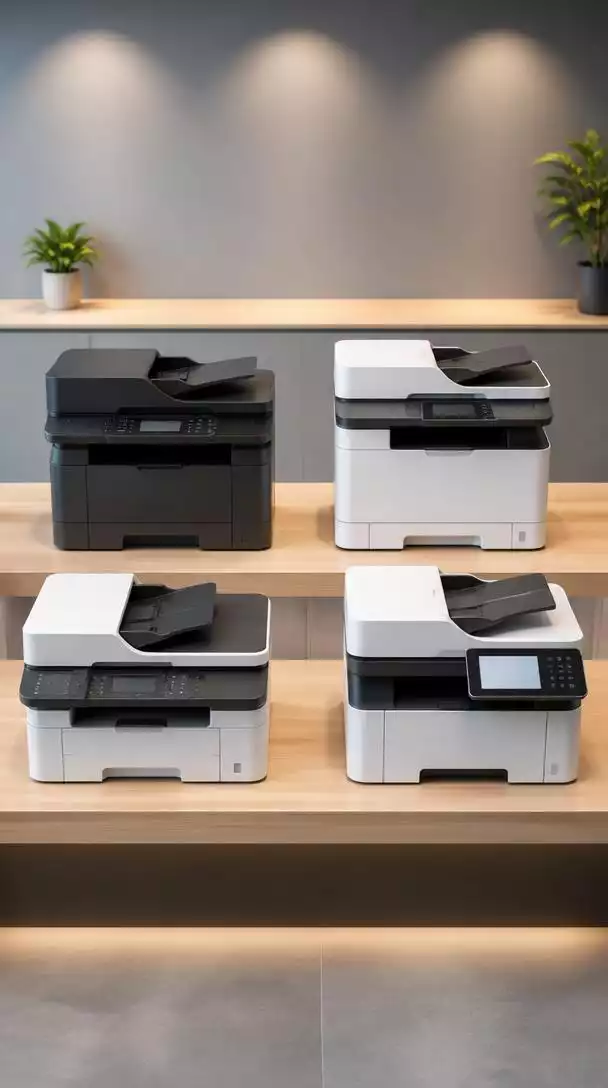
Summarizing Key Decision Factors for Selecting a Multifunction Printer
When it comes to making an informed choice, there are several critical factors to keep in mind. Here’s a quick overview:
- Print Speed: Consider how fast you need to print documents to meet deadlines.
- Volume Capability: Assess the monthly print volume your office requires.
- Security Features: Ensure your data is safe with robust security measures.
- Connectivity Options: Decide between wireless and wired connections that suit your workflow.
- User Interface: A user-friendly interface can save time and reduce frustration.
By keeping these factors in mind, you can make a choice that aligns with your office’s operational needs. Remember, investing in the right printer can lead to long-term savings and improved workflows!
Next Steps: How to Evaluate Your Specific Office Needs
After summarizing the key factors, the next step is to evaluate your specific needs. It can be helpful to conduct a small assessment of your current printing habits and volume. Here are some steps you can take:
- Inventory Current Usage: Track how many pages you print each month and identify peak periods.
- Gather Feedback: Ask team members about their printing experiences and any challenges they face.
- Assess Future Needs: Consider any upcoming projects that might require additional functionality.
This evaluation can provide insight into what features are most important for your office. It can also guide you in selecting a printer that not only meets current needs but also adapts to future growth.
Call to Action: Find the Right Multifunction Printer Today
Explore Our Comprehensive Reviews and Buyer’s Guides
Ready to take the plunge? Dive into our detailed reviews and buyer’s guides to find the multifunction printer that fits your office best! We’ve done the research to help you save time and make a well-informed choice.
Join Our Community for Ongoing Tips and Insights
Don’t navigate this journey alone! Join our community to share experiences and learn from others. We provide ongoing tips and insights that can help you maximize your printer’s potential and streamline your office processes!
Discover Cloud Printing Services and Remote Printing Options
Lastly, consider exploring cloud printing services and remote printing options. These tools can enhance flexibility and efficiency,
The post Choosing an Office Multifunction Printer appeared first on Printcom | Perth Managed Print Services, Printers & Support.
source https://printcom.com.au/choosing-an-office-multifunction-printer/

Comments
Post a Comment